
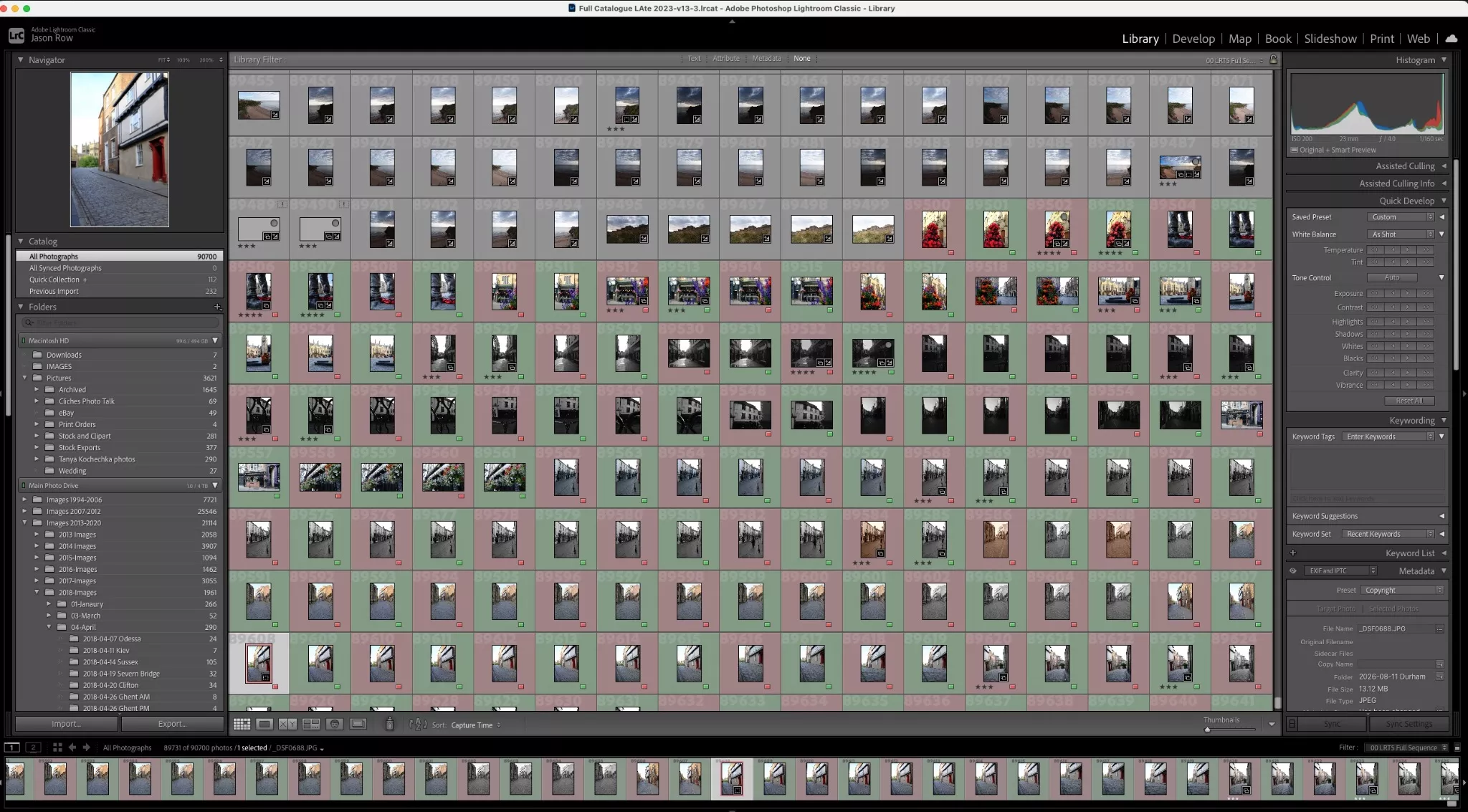
I have a confession. For several years, I have had access to Lightroom and Photoshop for free. Not because I am an illegal downloader but because I submitted to Adobe Stock. Adobe contributors that made over a certain amount of sales per year were given either the Lightroom/Photoshop package or a full Adobe subscription to all their products, if you sold enough.
This year, despite having my best ever sales at Adobe, that ended and I am still not entirely clear why. However, as I was expecting it to renew, I had no time to think about viable options and so, reluctantly resubscribed for a year. Fortunately I was allowed to subscribe at my old price which softened the blow a little.
This got me thinking, what are my options? Unlike a few years ago, we do have very viable alternatives to Lightroom and perhaps to a lesser extent Photoshop. In this article I want to look at a few.
First A Disclaimer
This is not a review of the products mentioned. Nor is it an endorsement. I have tried all the products in one form or another. Lightroom as you know I subscribe to. I have an ongoing collaboration with DXO, makers of Photolab 9. The other applications I have used as demos, long enough to get a feel for them.
The purpose of this article is simply to show you some of the alternatives to the Adobe ecosphere with an idea of their capabilities and price.
The Subscription Trap
We live in an age of subscription based services. We pay for our streaming, music, apps, and even some car features on a monthly basis. Many of these subscription services have one thing in common, they are rolling, in other words you can cancel at any time and at the end of the month access stops.
This is a system that is very much ingrained into our psyche. New season of Stranger Things on Netflix, sub for a month, binge and cancel. It’s the norm.
Not, however with Adobe. When you subscribe to any of their packages you are tied in for a year. When you come to cancel before that year is out, you get hit with a cancellation fee. Often quite substantial.
Of course Adobe makes this clear in the terms and conditions, aka the small print. They cover themselves legally, however in a world where rolling subs are the norm, many get caught out and this is creating a certain hostility.
For that reason, many photographers are looking for alternatives. But what are the options? Well that fact is, it’s not an easy answer. The fact is that the Lightroom/Photoshop combo is the most comprehensive and powerful combination in the editing world. To find suitable replacements, you need to consider very carefully your own requirements, because whatever you choose, there is a chance you might find some things missing.

What Do I Need?
For some a raw editor is all that is required. You have your images organised into folders and just want to be able to manipulate your raws into something creative that you can share. Others, like myself, need the full DAM, Digital Asset Management where images are catalogued, keyworded and easy to find.
A landscape photographer might need an editing suite that has advanced masking and denoise tools whilst a studio photographer could require an app with highly efficient tethered capture.
If you dabble a little with graphics you might need an alternative to Photoshop that allows layers, transparency and text. These are just a few examples of what your requirements might be from an editing app. You might well have others. With that said let’s take a look at the viable options.
The Main Paid Alternatives.
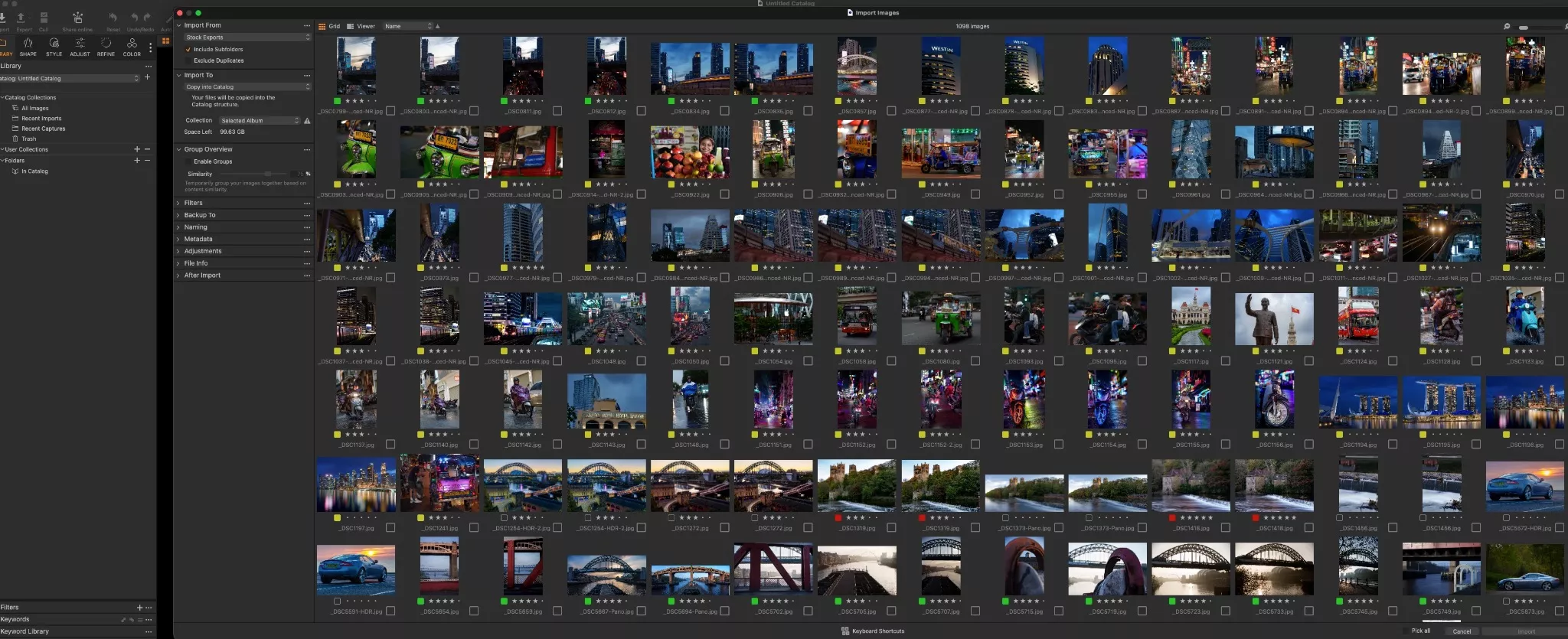
Capture One Pro: This is arguably the closest that you can get to Lightroom in terms of capability and function. It is renowned for accurate colour profiling, advanced tethering as well as many similar tools to Lightroom. It’s not quite as capable as Lightroom for DAM but does have decent image management tools built in.
Like Adobe, it has a subscription based model and is actually more expensive than the Lightroom/Photoshop package. Unlike Adobe, the subscription is rolling and can be cancelled at any time, also unlike Adobe you can pay for a perpetual license, that is you pay a one time fee to use the software for as long as you like. The caveat is that you will have to pay upgrade fees whenever there is a major update.
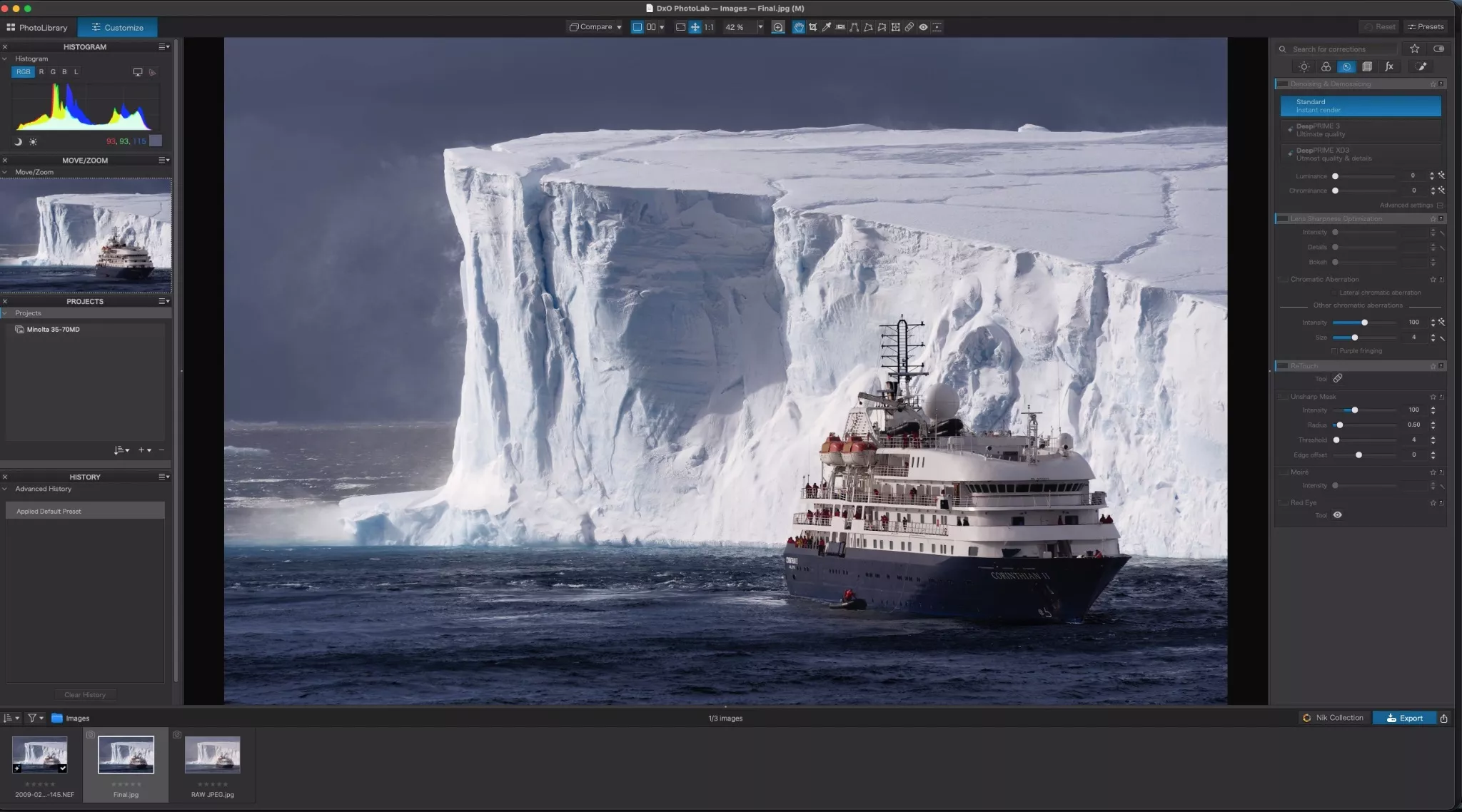
DXO Photolab 9: Photolab 9 is best described as a very powerful raw editor with limited image management. It has a highly regarded raw processing capability with industry leading noise reduction through its AI based DeepPRIME algorithm.
For image management it works off of your existing folder hierarchy, you can however rate, colour code and search for images. It is also deeply integrated with many other DXO products such as Nik Plugins for extra versatility.
Photolabs comes only as a perpetual license, a one off fee for a full cycle of a version and an upgrade fee to the next full version.
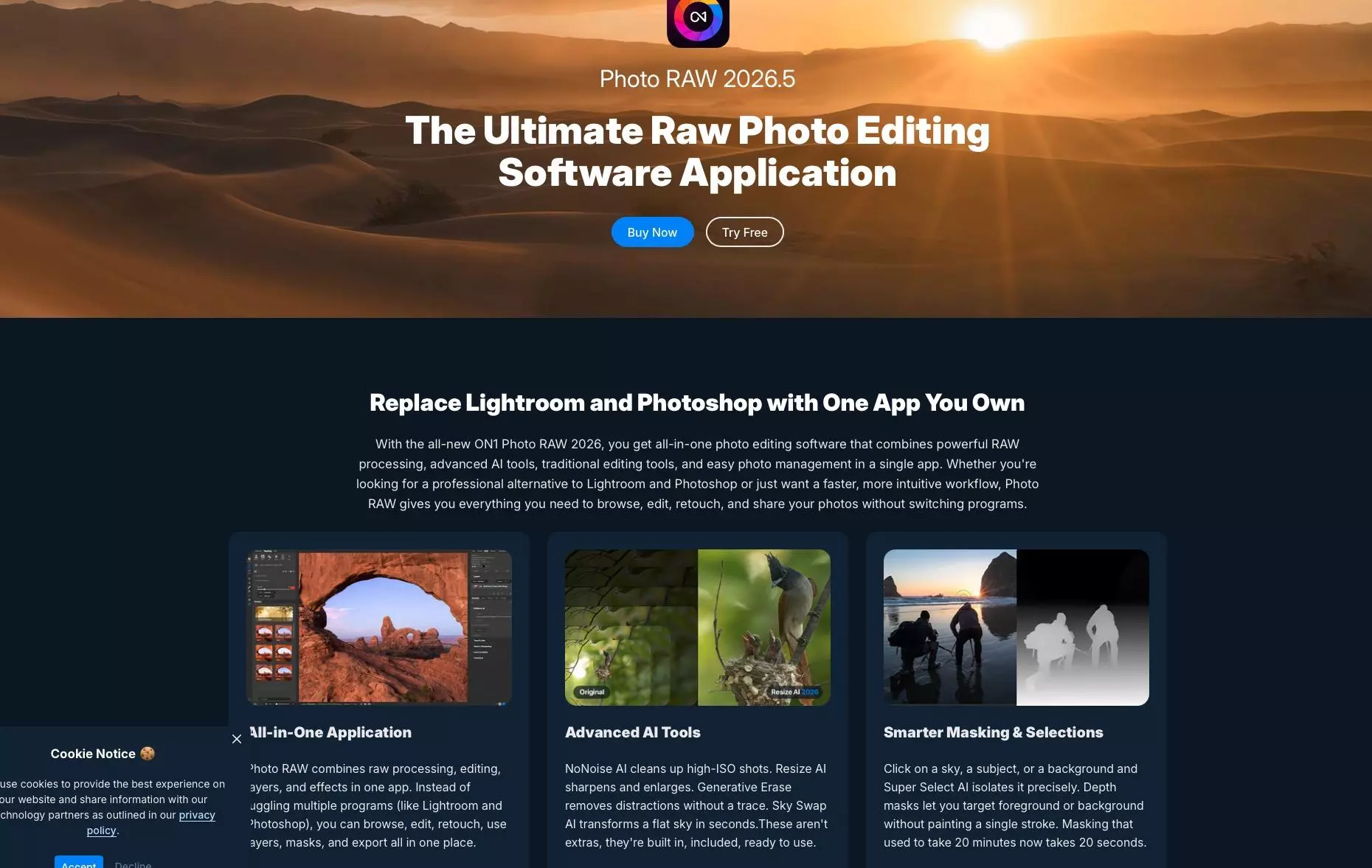
ON1 Photo RAW: Photo RAW is possibly the closest that you can get to a Lightroom/Photoshop combo. It features powerful raw editing capabilities with advanced masking, well regarded noise reduction and a capability for layers.
It also has a capable DAM system that unlike Lightroom does not force you into creating dedicated catalogues. It uses AI to identify and keyword images in bulk, a useful feature for stock photographers.
Of the three “heavyweights” it is the best value alternative for a combined Lightroom/Photoshop and is available on a perpetual license with upgrade fees.
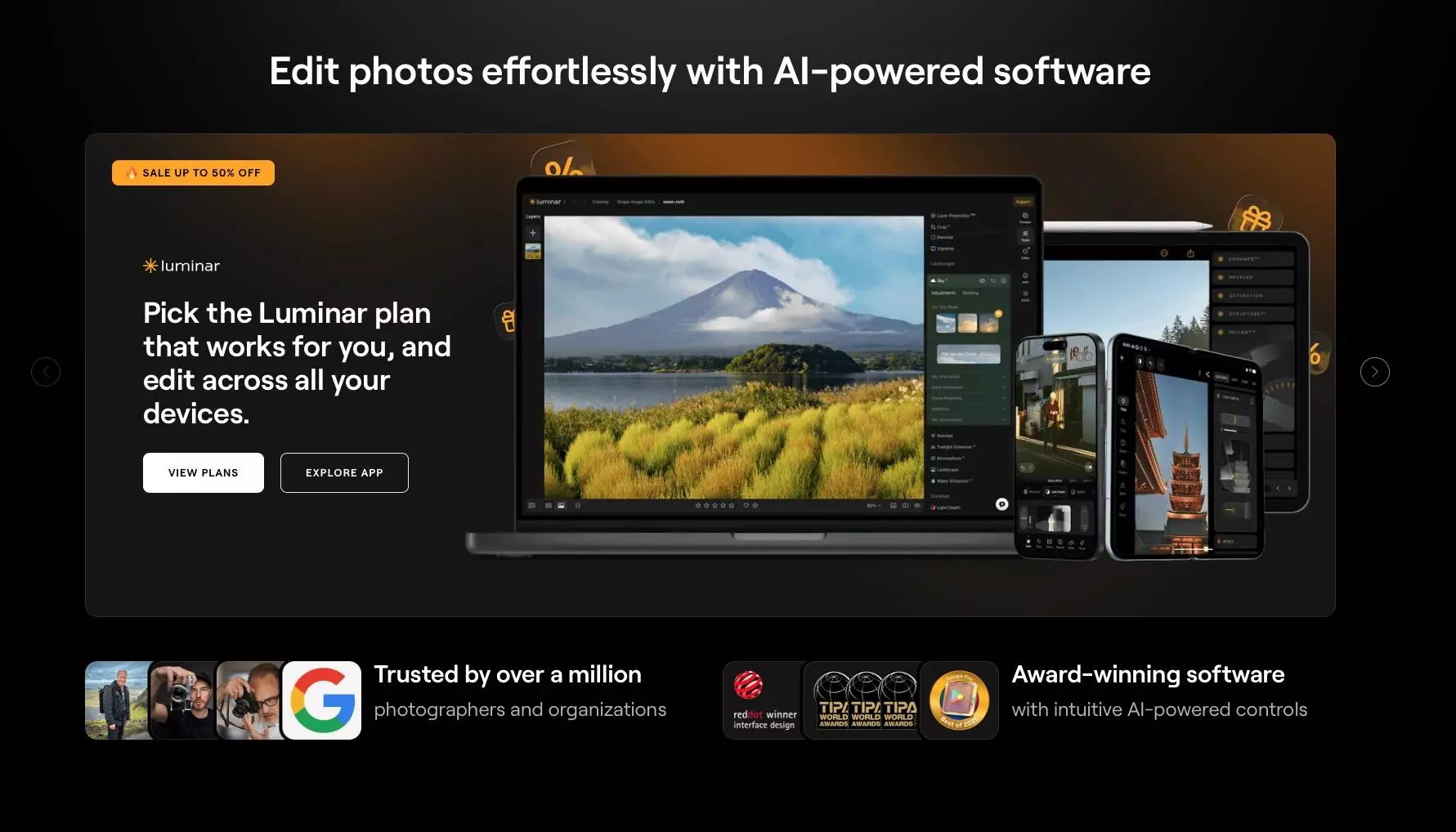
Skylum Luminar: Luminar is a heavily AI based editing app – something to be aware of if you have issues with AI. It is more an editing/raw editing app than an image management tool. It features AI masking tools for sky, atmosphere, structure and water.
While it maintains manual slider tools for editing, it leans heavily into one click corrections for multiple different scenarios.
It is quite limited on the DAM front with only basic cataloging tools and accessing images from your own premade folder hierarchy.
Skylum Luminar Neo is also a perpetual license with three options ranging from basic desktop to desktop and mobile with a cloud based transfer between the two.
Free Alternatives
Paid subscriptions/perpetual licenses are not for everyone. If your editing requirements are basic, then there are some good free alternatives. These are a few of the more powerful ones.
Darktable: This is a good free alternative to Lightroom especially for image management. It has powerful tools similar to Lightroom’s Library module and also features raw processing.
Gimp: This is a heavyweight, yet free alternative to Photoshop. It features many similar tools to Adobe’s product but does have a relatively steep learning curve.
RawTherapee: Predominately a raw processor, Therapee is a good alternative to Lightroom for those who are looking for a free, powerful raw editor and not too bothered about image management.
We have come a long way in the world of raw processing and image management. In the early days it was Aperture from Apple that paved the way. Lightroom, being cross platform helped in the demise of Aperture and reigned supreme for at least a decade.
Now, however there are an ever increasing number of viable and professional alternatives to the Lightroom ecosphere.
If you are reluctant to be tied into the Adobe subscription cycle, then these apps will cover many, if not all of your raw editing, image management needs.


3 Comments
Have you ever considered the camera’s editing software. They are not as powerfull as photoshop but you can do an amazing amount with Canon’s own “Digital Photo professional” and it is bundled with your camera.
Not discussed is the fundamental “great leap backward” the subscription model represents and imposes on all users. It demoted us from being “owners” to being “renters”–forever beholden to the whims of Adobe or whatever corporate entity ravenous for profits produces the software. The continuous dribble of mostly inconsequential and/or irrelevant updates are increasingly AI implementations that in no way compensates the mass of professional users for this loss of independence. In fact, the replacement of professional users with AI-assisted amateurs (the slop is already proliferating) is clearly the direction the software development is moving towards
I tried the beta version of Lightroom years back, used it for one project, and never touched it again. The primary reason was the image management system…Which I neither wanted nor needed.
When Adobe’s support stopped for my licensed version of Photoshop I hung on for a little bit, but mostly switched over to DXO (which required a little extra work for Fujifilm users). When DXO finally decided to support Fujifilm X-Trans, I finished the shift to PureRAW and PhotoLab.