
The smartphone is a device that we all carry around with us at all times. There are situations when a photographic opportunity presents itself and we think it would have been great if we had the camera in hand for a shot. These opportunities arise unintentionally and instead of letting that slip by, we can use our smartphones to try and capture the scene in the best way possible.
Most photographers when using their phones, just point and shoot the scene that is right in front of them. Modern smartphones come with various features for macro, long exposure, depth of field and exposure controls, etc. You can even get macro and telephoto attachments that will help you to extend the features available in your smartphones allowing you to use it for almost all genre in photography.
In this article, we have put together tutorials for smartphone photography, that will help you to improve your skills in capturing brilliant images, including the moon.
Capture Outdoor Smartphone Photography That Turns Heads
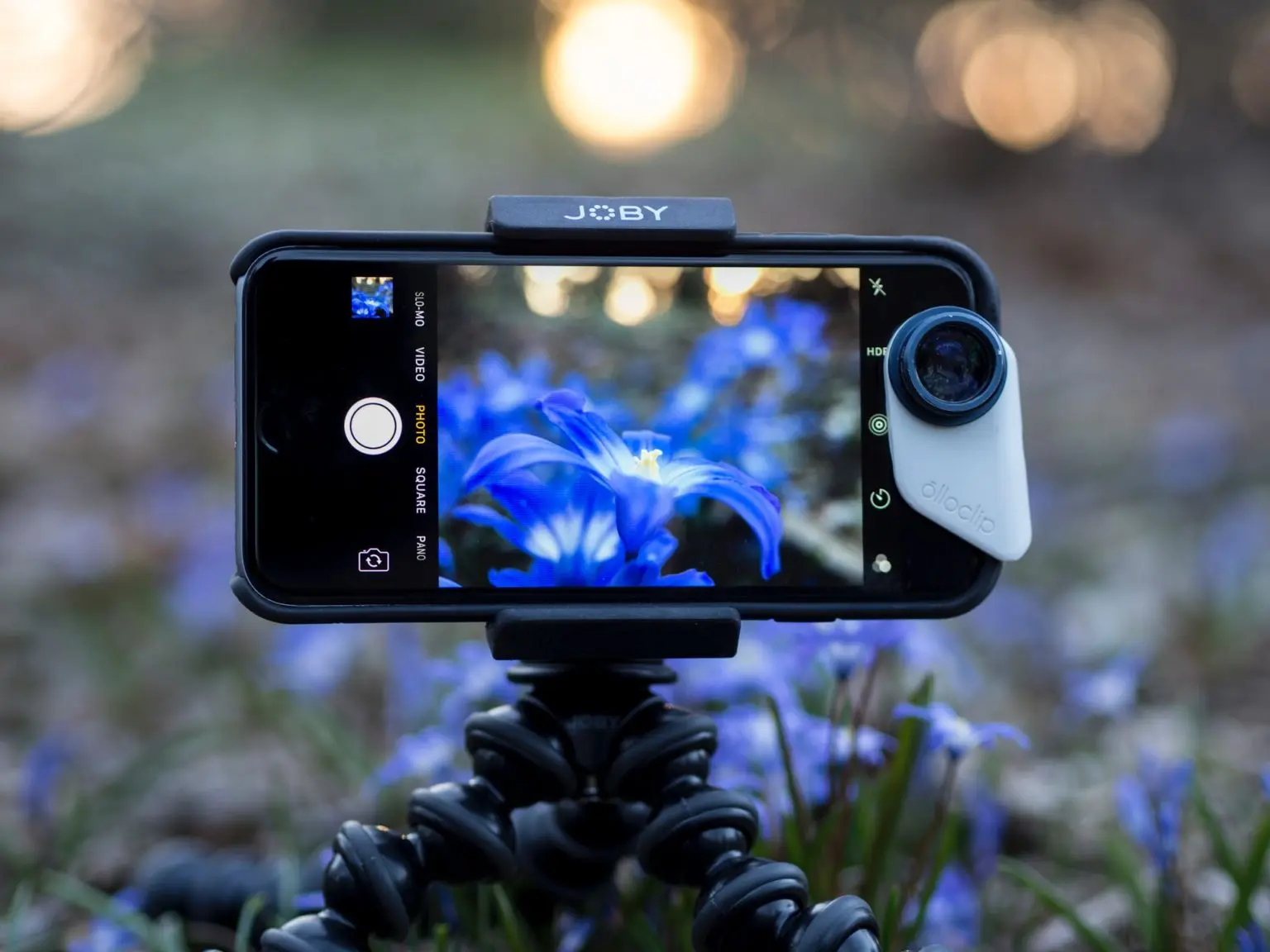
Smartphone technologies have improved greatly in the past decade and one that is given more importance with each upgrade is the camera. Many photographers and videographers are using their smartphones for photography and cinematic videos. Since it is easy to carry around and is the one available with you at all times, it can be a great tool for photography. This article discusses how a smartphone can be used to capture incredible outdoor photographs.
Key Takeaways:
- Advantages Of Using A Smartphone For Outdoor Photography
- What You Can Photograph Using A Smartphone When Outdoors
- Compositions For Outdoor Smartphone Photography
- Lighting Tips To Make Use Of The Best Light
- Setting Exposure Creatively
- Accessories For Smartphone Photography
- Editing Smartphone Photographs
8 Tips For Better Smartphone Photography
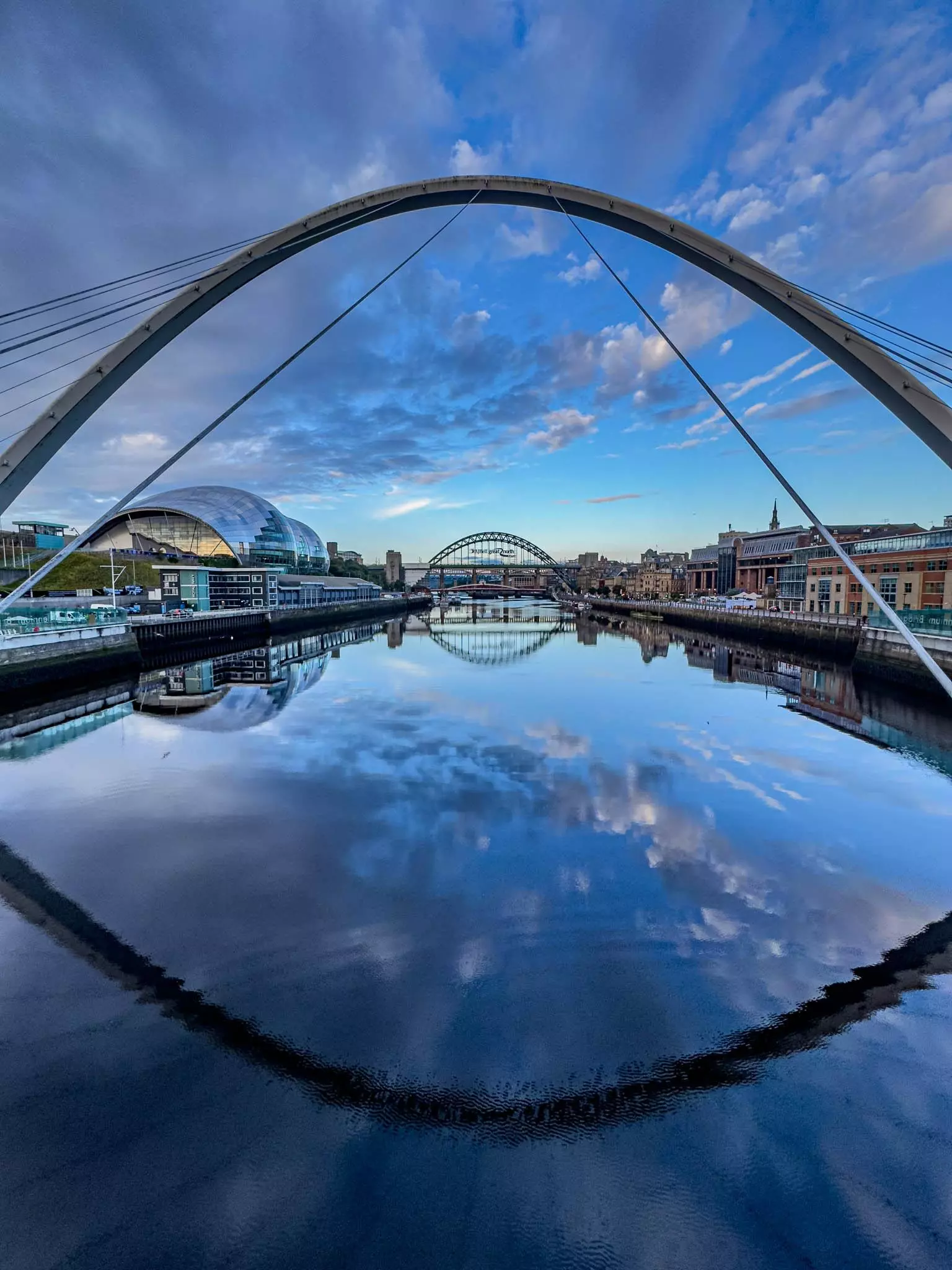
Some photographers still do not embrace smartphone photography wholeheartedly. It is understandable and smartphone photography is nowhere close to traditional photography in terms of the process and the results. And there are automated processes running in recent phones once an image is taken, making it quite annoying because one cannot always work on the files for the desired results. This article provides tips for better smartphone photography.
Key Takeaways
- Shoot Raw For Better Results
- Shoot Panoramas As Smartphone Photographers Forget This Often
- Manually Control Exposure For Creative Results
- Clean The Lens So You Get Sharp Results
- Use Stabilisation When Needed For Creative Shots
- Use The Grid For Compositions
- Third Party Camera Apps For Photographing And Editing
12 Tips To Getting Beautiful Photos Of Kids With Your iPhone

Capturing photos of kids is quite a challenge because kids do not stay calm in a place and are quite hesitant to pose when a camera is pointed at them. In order to get better photos of kids, one needs to follow certain techniques and strategies to get decent results. If you use your smartphone for photographing the kids, they will not feel intimidated and will most of the time take it as a fun process. This article discusses some tips.
Key Takeaways
- Be Spontaneous As They Can Be Very Fast
- Record Candid Moments As They Are The Best Photos And Memorable
- Get Down To Their Level To Tell Their Story
- Use Burst Mode So You Do Not Miss Actions/Moments
- Focus On Their Eyes For Powerful Results
- Plan Your Shoot Around Their Interests
- Look for the Light and Compose Carefully
- Photograph From Different Perspectives
- Try Portrait Mode And Lighting Effects
- Have Fun During The Process By Engaging With Them
How To Blur A Photo Background On iPhone Or Android
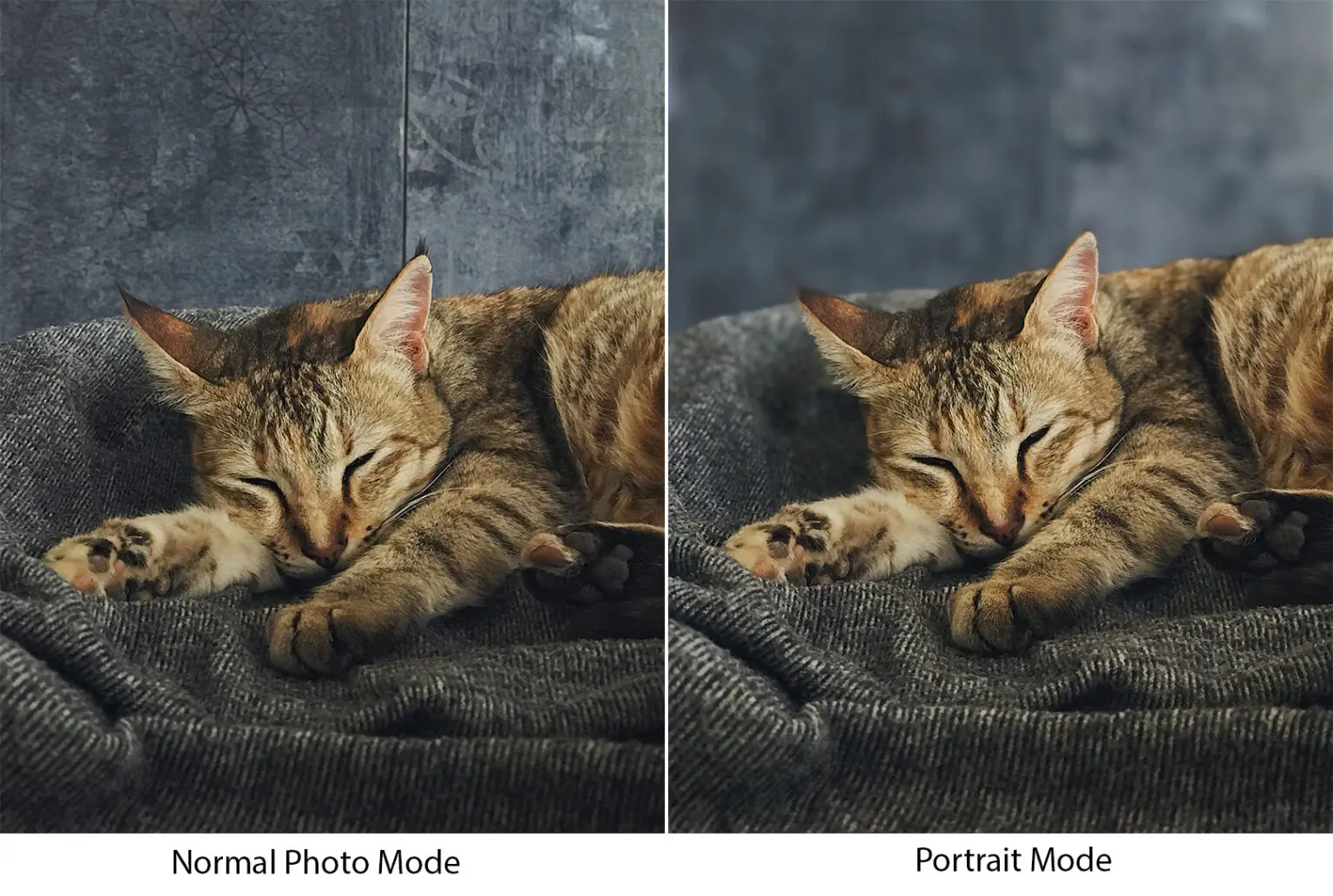
When capturing images using a smartphone, if you just generally point and shoot with the auto settings, the images may look a bit flat. To avoid this, there are various ways to control the depth of field in smartphones, so your image has depth and also helps the subject stand out against the background when required. This article discusses several ways to get a blurry background in photos.
Key Takeaways
- Use The Portrait Mode
- Get Closer To The Subject
- Use The Optical Zoom Function
- Try Manual Settings
- Use The Macro Mode
- Use A Macro Attachment
- Use An App That Will Allow You To Capture Blurry Backgrounds
- Use The Blur Tool When Post Processing
20 Reasons Why An iPhone Can Be A Great Tool For Street Photography
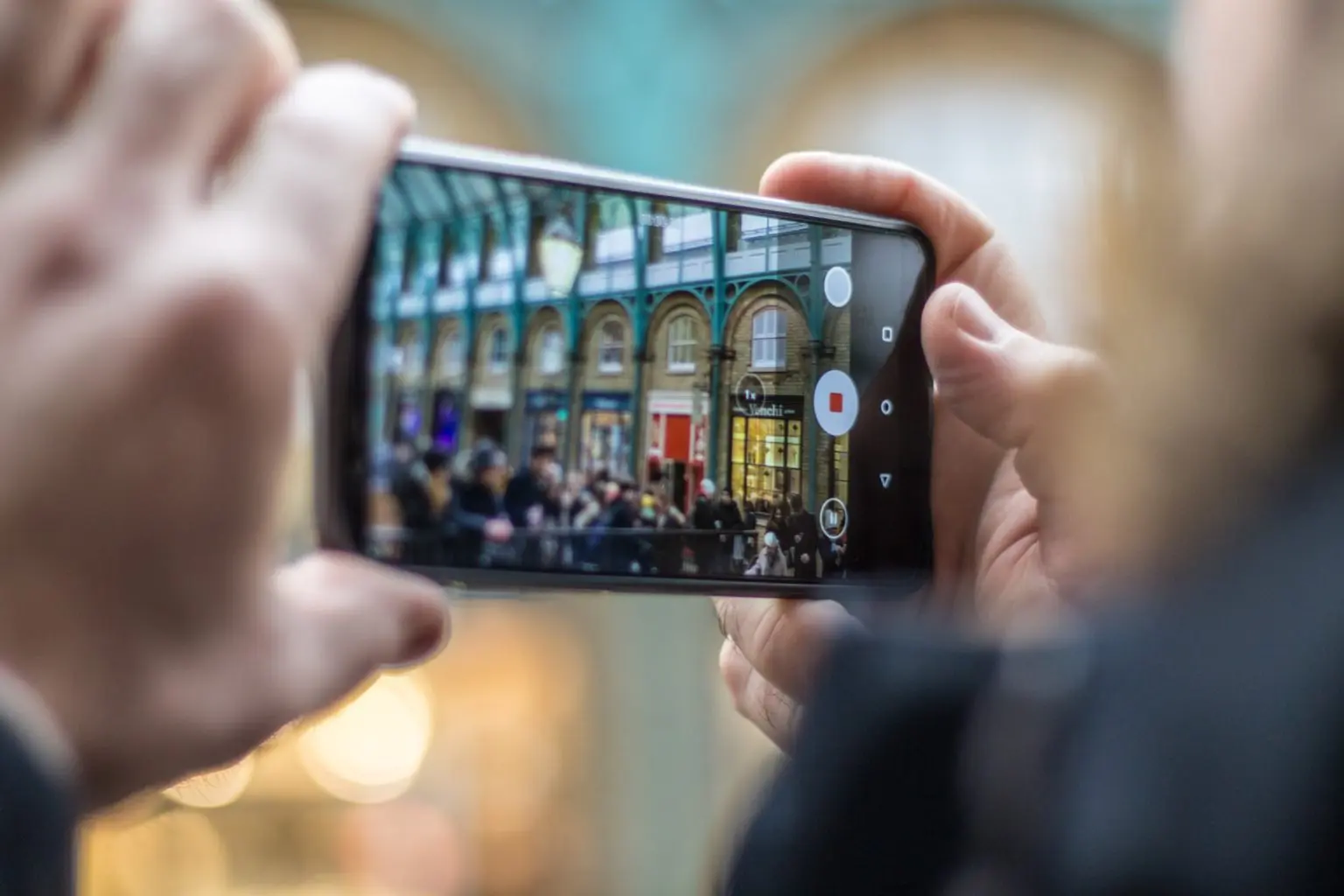
Street photography is not easy. When you are in the street with a camera, people start to become very wary and some people feel intimidated by the camera. In these situations, a smartphone can be handy and help to capture images without making others feel awkward. As a photographer, it also allows you to freely capture images, without having to worry about being very discreet. This article discusses some reasons why a smartphone is a great tool for street photography.
Key Takeaways
- It Is A Camera That Is Always With Us
- You Can Change Lenses Conveniently
- Good Quality Camera For Street Photos
- Great For Quick Shots
- Exposure And Focus Lock Feature
- Night Photography Is Also Great
- No Need To Carry A Camera Bag
- You Can Stay Discreet
- Quick Edits On The Go
Photograph The Moon With An iPhone Or An Android

There was a time when photographers struggled to get decent photos of the moon because they thought it was a difficult subject to photograph. A little bit of practice is all it takes for stunning moon photos. Now smartphone cameras come with multiple lenses that offer zooms and there are even telephoto lens attachments for smartphones that will allow one to capture good moon photos if the right settings are used. This article will provide details on how to capture moon photos with a smartphone.
Key Takeaways
- Required Criteria For The Best Moon Photographs
- Gear Required To Photograph The Moon Using A Phone Camera
- Camera Settings
- Apps For Moon Photography
- Post-Processing Moon Images
How to Make Your Smartphone Photos Look Like They Came From A Pro Camera

A lot of smartphone photographers fail to use the features in their phone, or they do not take much extra effort to slow down and make some adjustments before pressing the shutter. A simple change in distance from your subject, using light from the right direction, shooting angles, perspectives, or even a slight change in exposure can change a photo from good to better or even great. Just because you are shooting with a smartphone, does not mean that you point and just shoot. This article discusses some simple ways to capture pro level smartphone photos.
Key Takeaways
- Shooting In Good Light
- Angles And Perspectives
- Manually Adjusting Exposure
- Using Only Optical Zoom And Avoiding Digital Zoom
- Shooting Raw
- Using Light Modifiers
- Get Closer
How The Explosion In Smartphone Cameras Can Skyrocket Your Photography Skills

Carrying a smartphone with us all the time means, we are also carrying a camera with us at all times which is something we photographers must do. It is not always possible to carry a camera bag with a camera or two and a few lenses, but carrying a smartphone and if needed a couple of lens attachments is possible. You can just carry these in your pocket. This freedom and the features the smartphones lend have led to an explosion in smartphone photography and this article discusses that.
Key Takeaways
- Multiple Lens Features
- Computational Photography For Bokeh, Night Modes, Portraiture
- Advantage Of Limited Technology
- Apps For Smartphones
Here Are 20 Accessories For iPhone Photography

Smartphone photography, just like the traditional photography with a camera, can be improved with the help of a few accessories. For example, extreme macros using a macro attachment or closeup shots using a telephoto attachment, long exposures using a tripod, ND filters for very long exposures, a shutter release to avoid camera shake and flexibility in shooting, light modifiers and so on. This article discusses several accessories that will help to take your smartphone photography to the next level.
Key Takeaways
- Lens Attachments
- Stabilising Accessories
- Light Modifiers
- Shutter Release
- Gimbals
- Battery Backups
- Storage Devices
- Pocket Printers
- Waterproof Case
- DIY Ideas
- Photo And Editing Apps
iPhone Camera Tricks
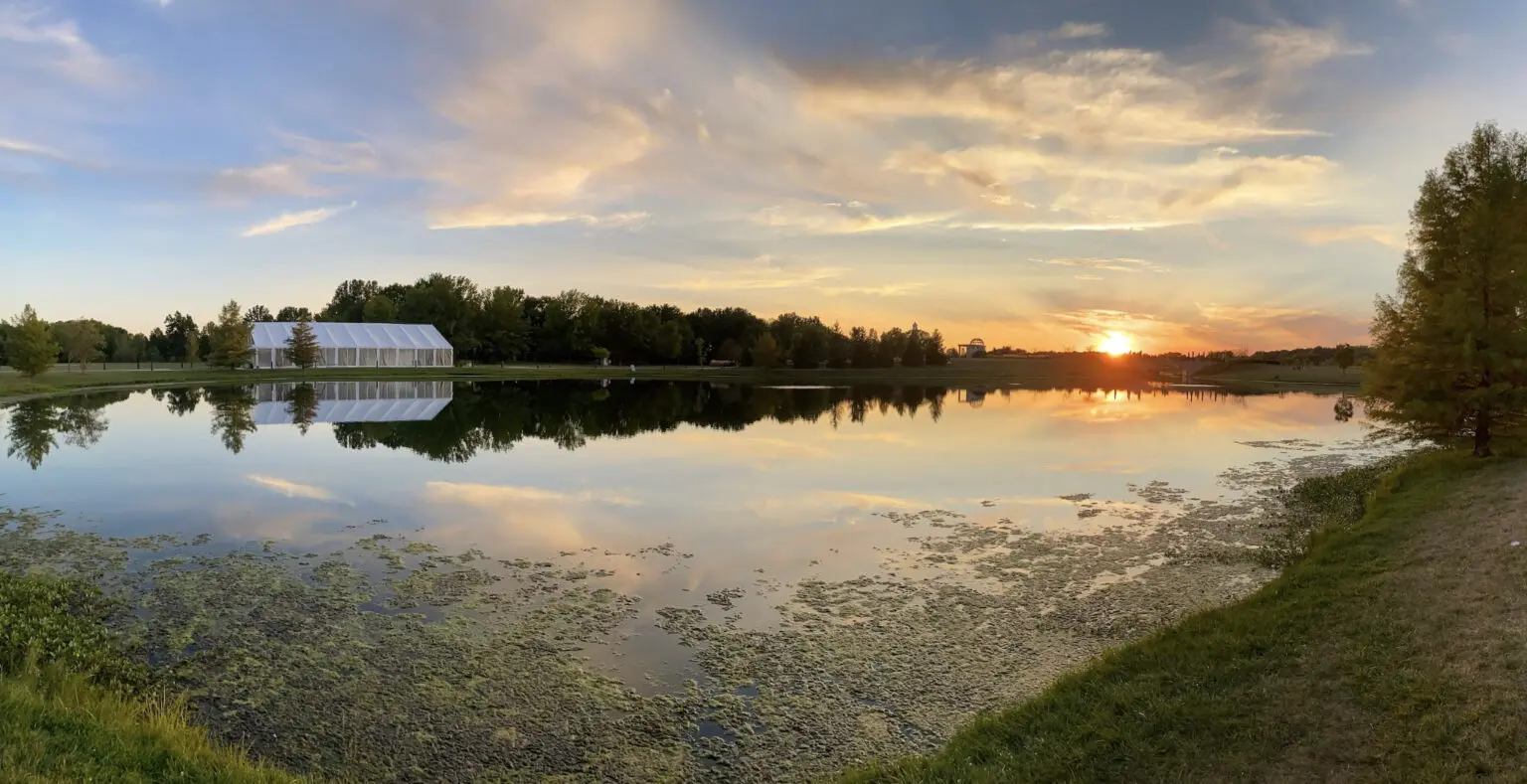
We have already discussed a lot of ideas and tricks for better smartphone photography. There are some features that photographers most of the time fail to remember. They always go to that one photo mode to capture photos and that is it. Various features like shooting panoramas, using the night mode, etc., are great features that can be experimented with for creative photography. This article provides a few smartphone photography tricks.
Key Takeaways
- Manual Focus And Exposure Adjustments
- Portrait Mode
- Night Mode
- Timelapse Photography
- Long Exposure Photography
- Night Mode
- Shooting Panoramas


